Free
$0
2 qualifying LIVE sessions per 30-day period from account creation
MultiChat, adjustable chat, search, saved names, highlights, Viewer Memory and Chat Reader
Start free
TIKCHAT MULTICHAT
TikChat MultiChat is a multistream chat viewer for TikTok LIVE, YouTube Live, Twitch and Kick.
Read incoming messages from up to four sources in one private browser view. Each message shows its platform, so you can follow the conversation and see where it came from.
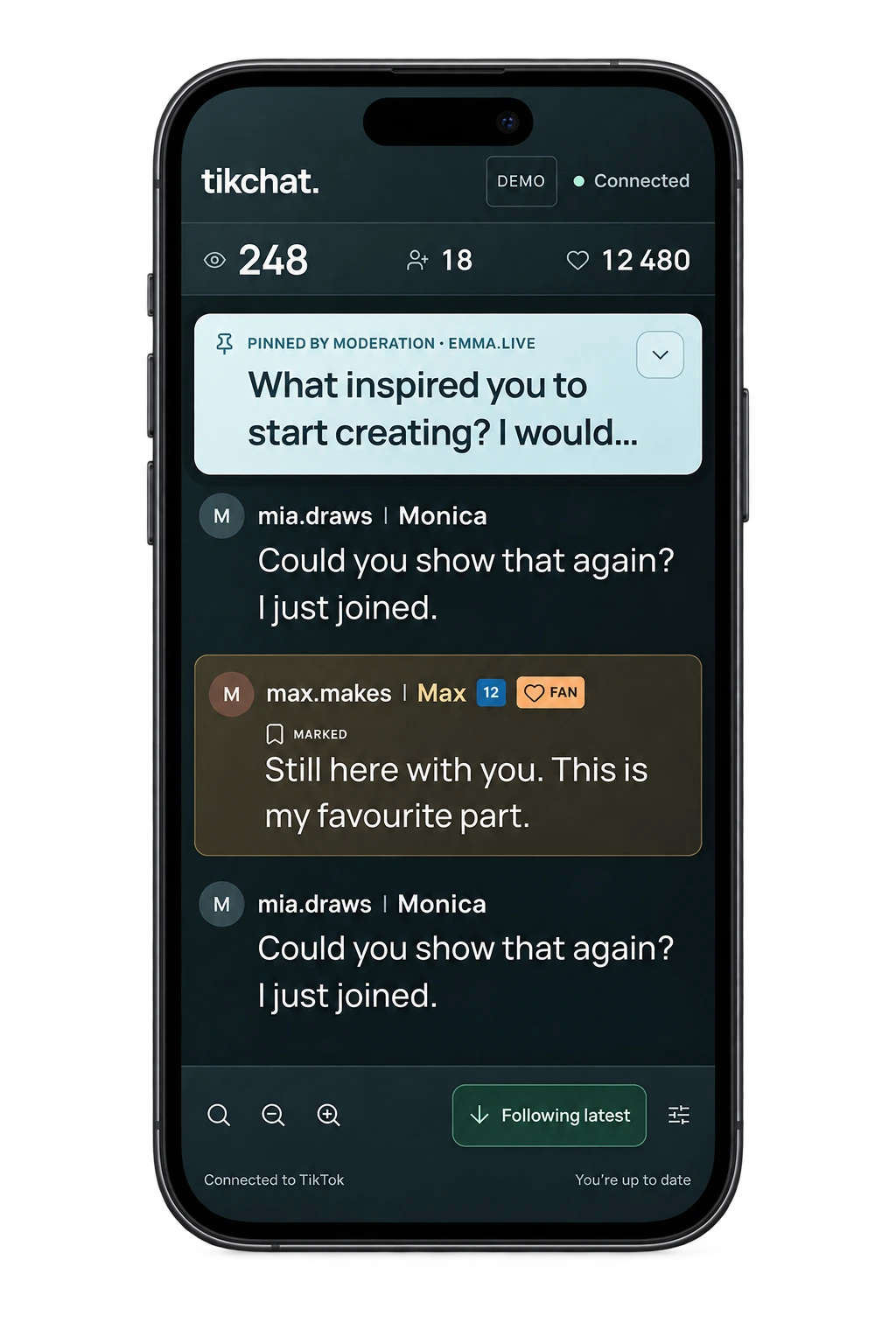
The interactive demo uses sample TikTok LIVE data.
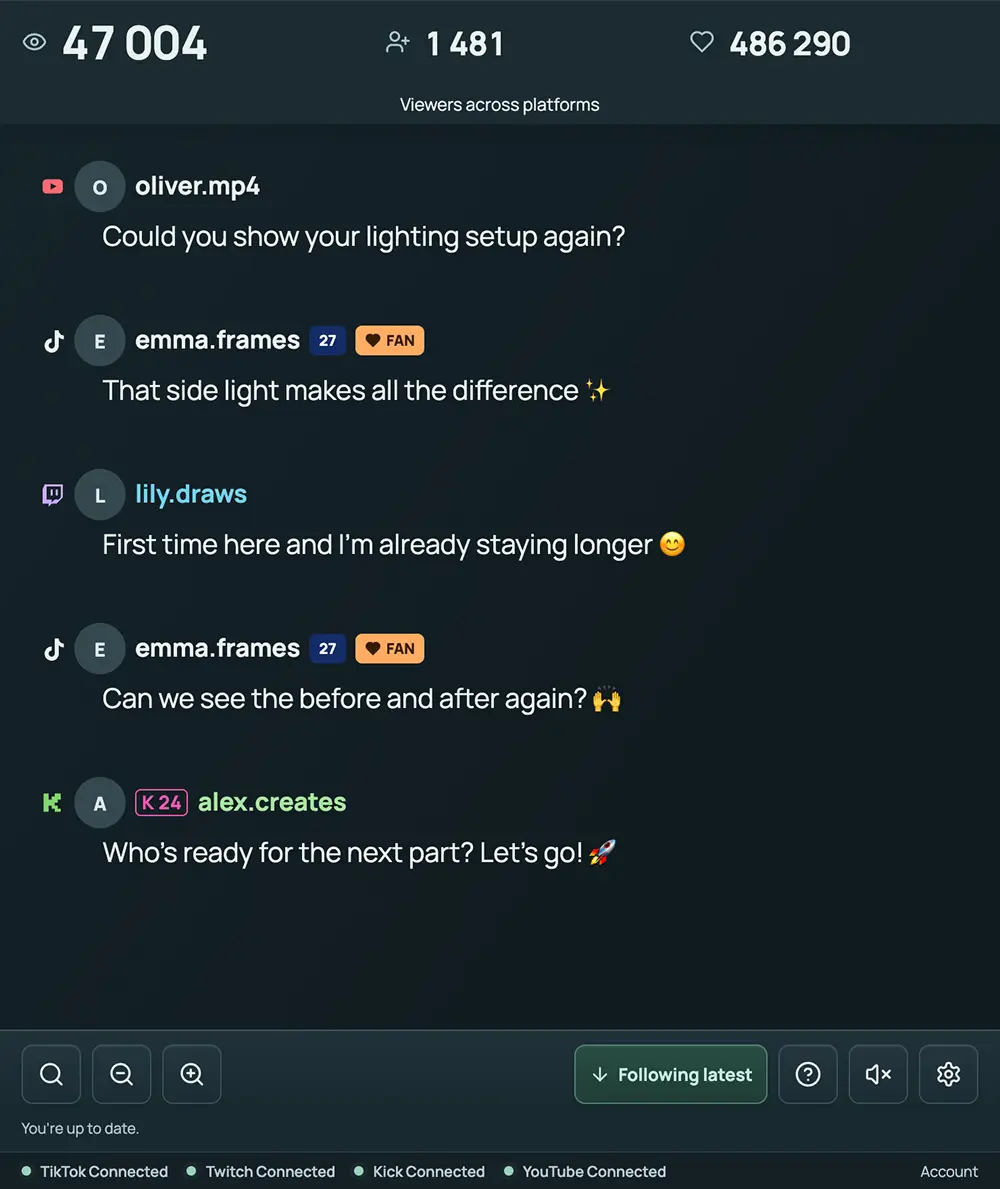
Use one saved channel per platform, with or without TikTok. Keep your usual broadcasting setup and give the conversation a dedicated place beside it.
MultiChat supports chat from TikTok LIVE, YouTube Live, Twitch and Kick, with different LIVE signals available from each source.
You can follow one platform on its own or combine several in the same session. TikChat shows each source’s connection status separately, along with the data available from that connection.
| Information available in TikChat | TikTok LIVE | YouTube Live | Twitch | Kick |
|---|---|---|---|---|
| Public live chat | Supported | Supported | Supported | Supported |
| Current viewer count | When available | When available | When available | When available |
| New follower signals | Supported | Not provided | Not provided | When the follow feed is available |
| Likes / taps | Supported | Not provided | Not provided | Not provided |
“Not provided” describes TikChat’s current connection, rather than the platform’s own features. Availability also depends on the broadcast and the data returned by each source.
TikChat can show available TikTok gift events. Some supported paid or membership-related entries can also appear as chat activity on other platforms. These activities are not equivalent across services and should be interpreted within their platform.
See TikChat’s product facts and sources for more detail.
A partial viewer count means TikChat has current viewer numbers for only some of the selected sources.
The total adds the available counts. A missing count is unavailable information, not a confirmed zero.
The combined figure also does not represent unique people. Someone watching your broadcast on YouTube and Twitch at the same time may be counted by both platforms.
Yes. You can use MultiChat for YouTube and Twitch without adding a TikTok channel.
For example, imagine you are teaching a live tutorial on both platforms. A YouTube viewer asks which camera you use while someone on Twitch asks you to repeat the last step. MultiChat brings the received messages into one feed, with their platforms identified.
Save your YouTube and Twitch channels in your TikChat account, start broadcasting, then select those two sources in LIVE chat.
You can also enter a link to the specific YouTube live video you want to follow. That video must belong to your saved YouTube channel.
The same approach works with other supported combinations. Choose the platforms you use; you do not need to connect all four.
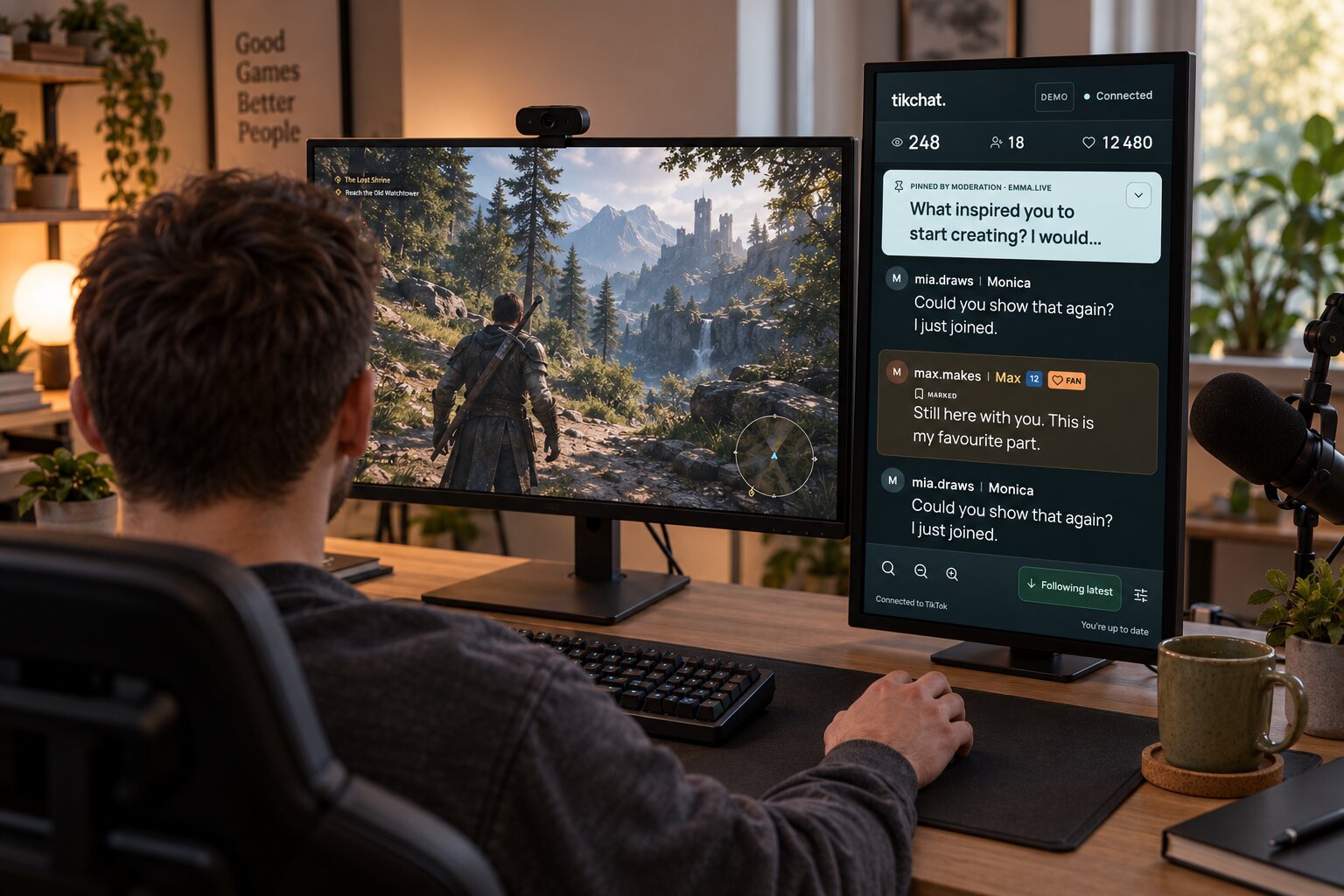
Save your streaming channels, start your broadcasts, then choose your sources and press START in TikChat.
Check your channel names carefully before saving. Contact support@tikchat.eu if a saved channel needs correcting.
TikChat does not ask for your streaming platform passwords. For the wider account and connection workflow, see how TikChat works.
Yes. You can add another available platform to an active MultiChat session.
Open Live settings → Sources in this LIVE and add a platform that is not already connected. If its channel has not been saved, add it using the channel controls.
Each source starts contributing after it connects. Adding Twitch halfway through a session does not recover Twitch comments posted before that connection.
Use adjustable text, active-chat search, viewer highlights and saved names to make the conversation easier to follow.
MultiChat brings the sources together while TikChat’s reading controls help you work with the messages:
Saved names and highlights can remain available between LIVE sessions. They follow the viewer’s identity on each platform separately; TikChat does not automatically match someone’s YouTube account with their Twitch account.
Chat Reader’s available voices and languages depend on your device and browser.
MultiChat is included in both Free and Creator; the plans differ in the number of LIVE sessions you can run.
$0
2 qualifying LIVE sessions per 30-day period from account creation
MultiChat, adjustable chat, search, saved names, highlights, Viewer Memory and Chat Reader
Start free$4.99 USD / month
Unlimited number of LIVE sessions
Everything in Free
See Creator detailsA session with several connected platforms counts once, rather than once per source.
A Free session qualifies when at least 10 minutes pass from the first confirmed connection to the end of the session. This threshold determines whether it uses your allowance. It is not a ten-minute session length limit.
The Free allowance renews every 30 days from account creation. Unused sessions do not carry over.
Each account can have one active TikChat session at a time, containing up to four platform sources, with one saved channel per platform. Connections remain subject to platform availability and service capacity.
Creator renews monthly until cancelled. The final amount is shown before payment. See TikChat pricing and plan details.
MultiChat is a private reading view that works with the live data TikChat receives.
These limits apply across the supported platforms:
You can keep TikChat open beside OBS or TikTok LIVE Studio, on another monitor, or on a separate device. This is a separate browser view, rather than a direct integration with those tools.
For more on that distinction, see chat viewers and public overlays compared.
Yes. A first-party pilot observed production MultiChat alongside native chats from all four supported platforms on November 4, 2026.
The pilot used four different public broadcasts, one per platform, during a 45-minute sampling window. Of 5,040 observed native reference entries, 4,979 were matched to TikChat and 61 remained unresolved, including 55 on Twitch.
TikChat’s owner commissioned the pilot. The report documents sampling gaps, changes to the matching method and the early end of the TikTok broadcast. The results describe that observed sample and do not establish a complete capture rate or uninterrupted four-platform uptime.
Read the MultiChat pilot, per-platform results and limitations.
Yes. The interactive demo lets you explore TikChat’s chat controls using sample TikTok LIVE data.
Use it to try the reading experience, saved names, highlights and search. The demo does not connect to your own broadcasts or demonstrate a live four-platform session.
To try MultiChat with your own channels, create a free account and connect the platforms you use.
Your screen selection: TikTok + Twitch + Kick + YouTube.
This selection is for the page preview. Choose your sources inside TikChat after signing in.
Create a free TikChat account, save your channels and connect after your broadcasts begin.
Open TikChat in a modern browser on your computer, laptop, tablet or phone. Start with one platform or combine several, including YouTube and Twitch without TikTok.
Give the conversation one place in your setup, with each platform still visible.
TikChat was created by Matt Olech from his own LIVE workflow. Product information checked: 12 November 2026.
TikChat is an independent product and is not affiliated with, sponsored by, or endorsed by TikTok.