
Straight answers before your next LIVE
The essentials about how TikChat fits into your streaming setup.
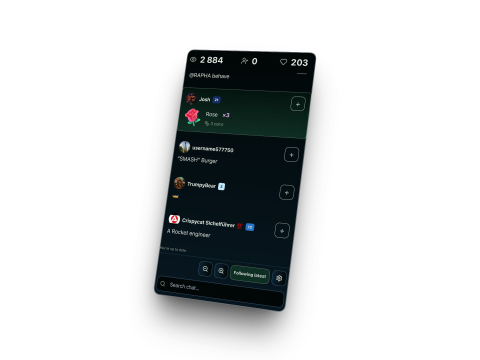
TikChat supports TikTok LIVE, YouTube Live, Twitch and Kick. You can follow one platform or combine several in a private browser view, with one channel per platform.
When TikChat closes a LIVE session, it deletes detailed events and comment text from the active database. Before 20 November 2026, summaries may remain with the account until deletion or an applicable erasure request. From 20 November 2026, TikChat will keep summary statistics and rankings for up to 12 months after it closes the session, then delete them manually. Basic session details can remain with the account. Saved viewer names and highlights can carry across sessions. See the Privacy Policy and LIVE Viewer Privacy Notice.
No. Deleting your TikChat account does not cancel your Stripe subscription. Cancel renewal under Billing → Manage subscription before deleting your account. If you have already deleted your account, contact support@tikchat.eu for help. See the Terms of Use.
Keep the conversation close.
Open TikChat beside your next LIVE.