Read without the squinting
Make the chat larger or smaller. Keep the conversation readable without letting it take over your screen.

TikChat gives you a clearer way to read TikTok LIVE chat while you stream. Add real names to familiar usernames, highlight the people you never want to miss, search messages in seconds, and keep the numbers that matter in view.
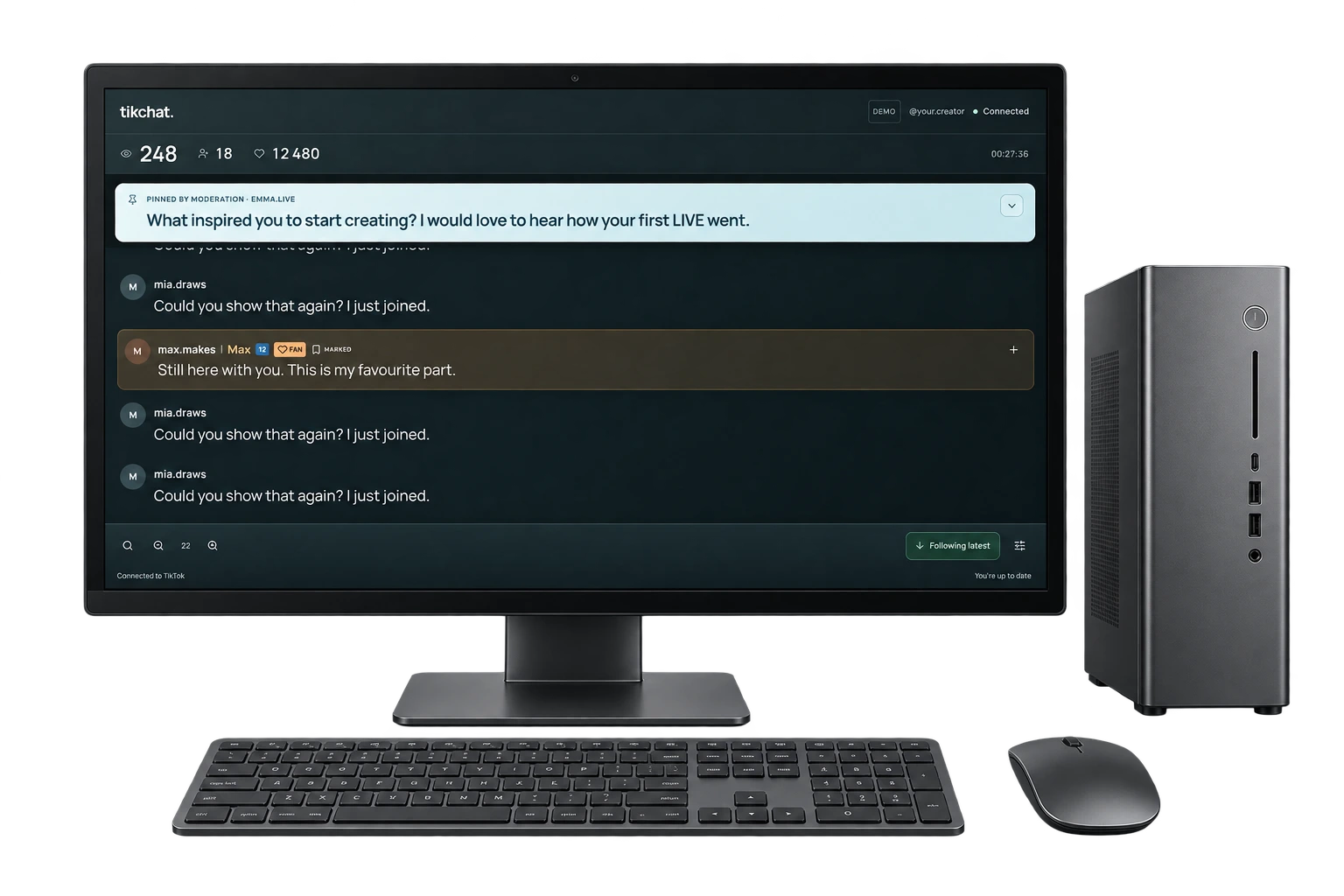
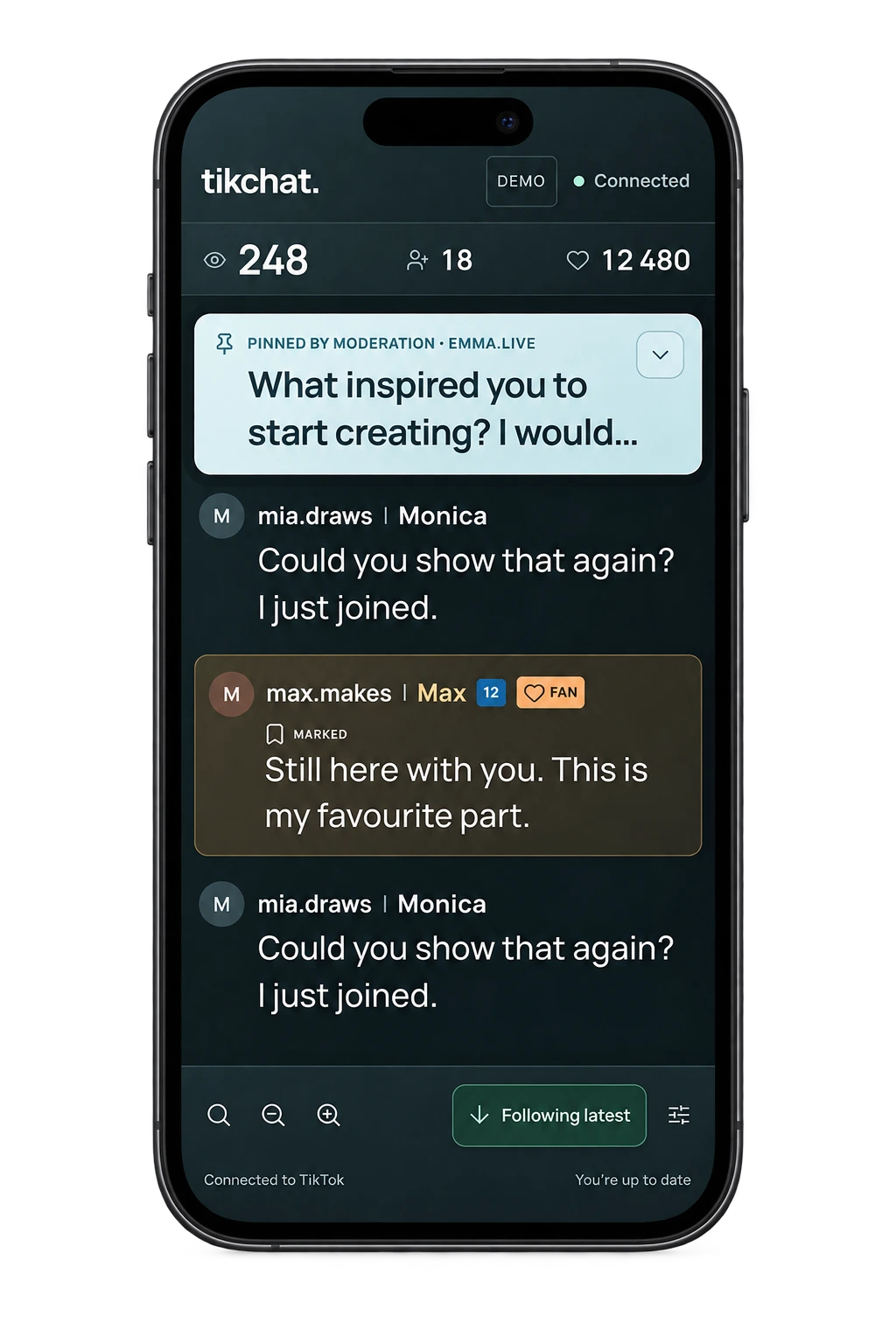
You are talking, watching the screen, checking gifts, and trying to keep the energy up. Meanwhile, comments keep moving. The chat is either too small to read or right where you do not want it - over your face, your content, or the things you actually need to see.
Then a familiar username flashes by. You know you have seen it before. You just cannot remember who it belongs to before the next ten messages arrive.
TikChat was built for that exact moment.
Open TikChat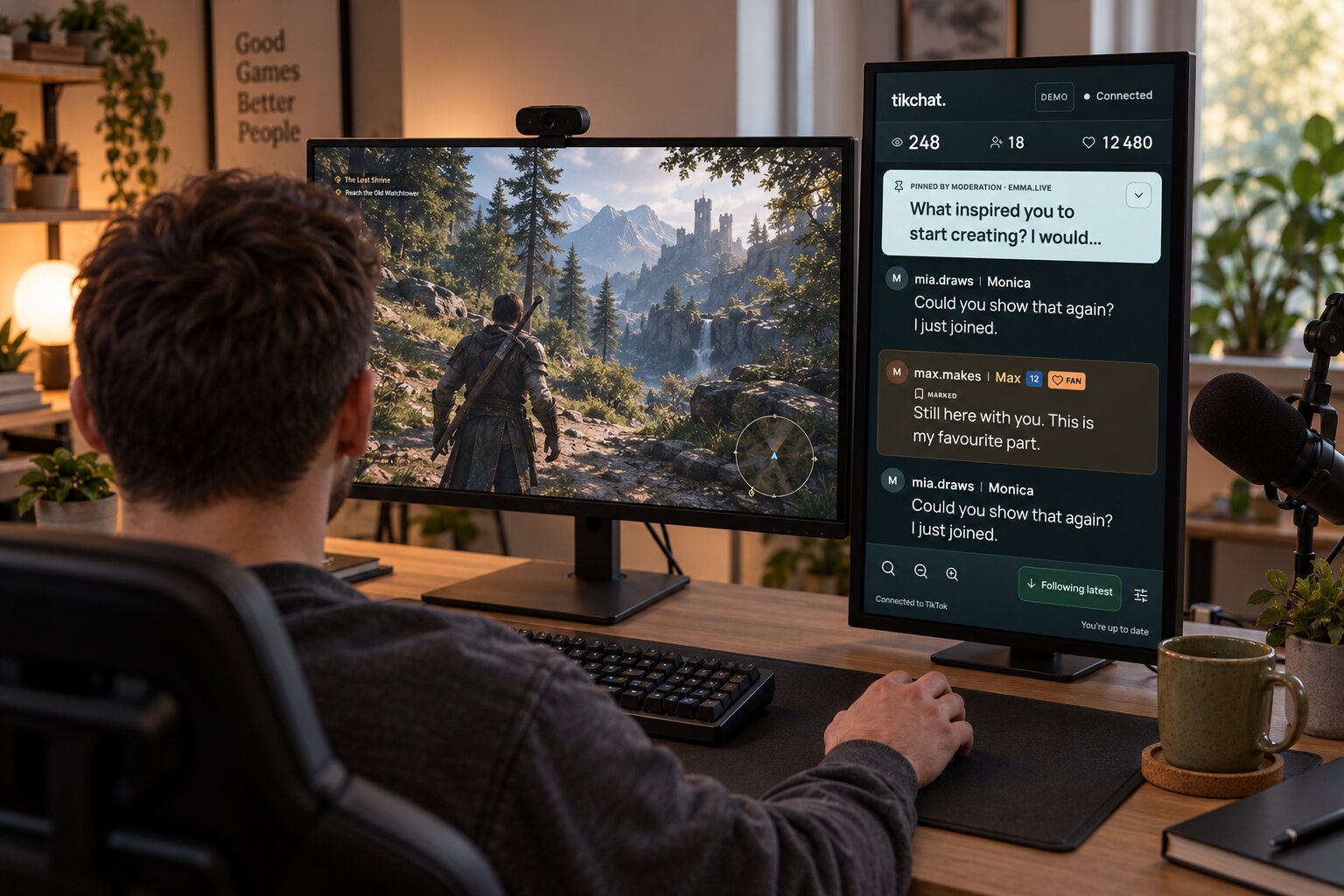

I am Matt Olech, and I create TikTok LIVE streams. The native chat always frustrated me - especially when I streamed from my phone. It was either too small, covered my face, or made me miss gifts and comments from the people who kept coming back.
I did not want another giant streaming dashboard. I wanted a better chat: one that was easier to read, helped me recognize people, and remembered the context from one LIVE to the next. So I built TikChat. TikTok chat - but better.
See the TikChat real LIVE test: 516 comments and 352 gifts recorded during one creator-run session. This is a test by TikChat’s author, not evidence that TikChat increased engagement. Read the method and limitations.
Make the chat larger or smaller. Keep the conversation readable without letting it take over your screen.
Tap the + beside a username and add the name you actually know them by. Next time, you do not have to guess.
Highlight a moderator, patron, friend, regular viewer, or anyone else whose message should never disappear into the scroll.
Search by username or by words from a comment. When the chat moves fast, you can return to the person or message you were looking for.
Sample viewers. Real TikChat controls.
Some messages deserve to stand out. Mark the viewers you want to recognize instantly, and TikChat keeps them visually highlighted whenever they appear.
Looking for something specific? Search the chat by a viewer's username or the words they wrote. Less frantic scrolling. More time for the actual conversation.
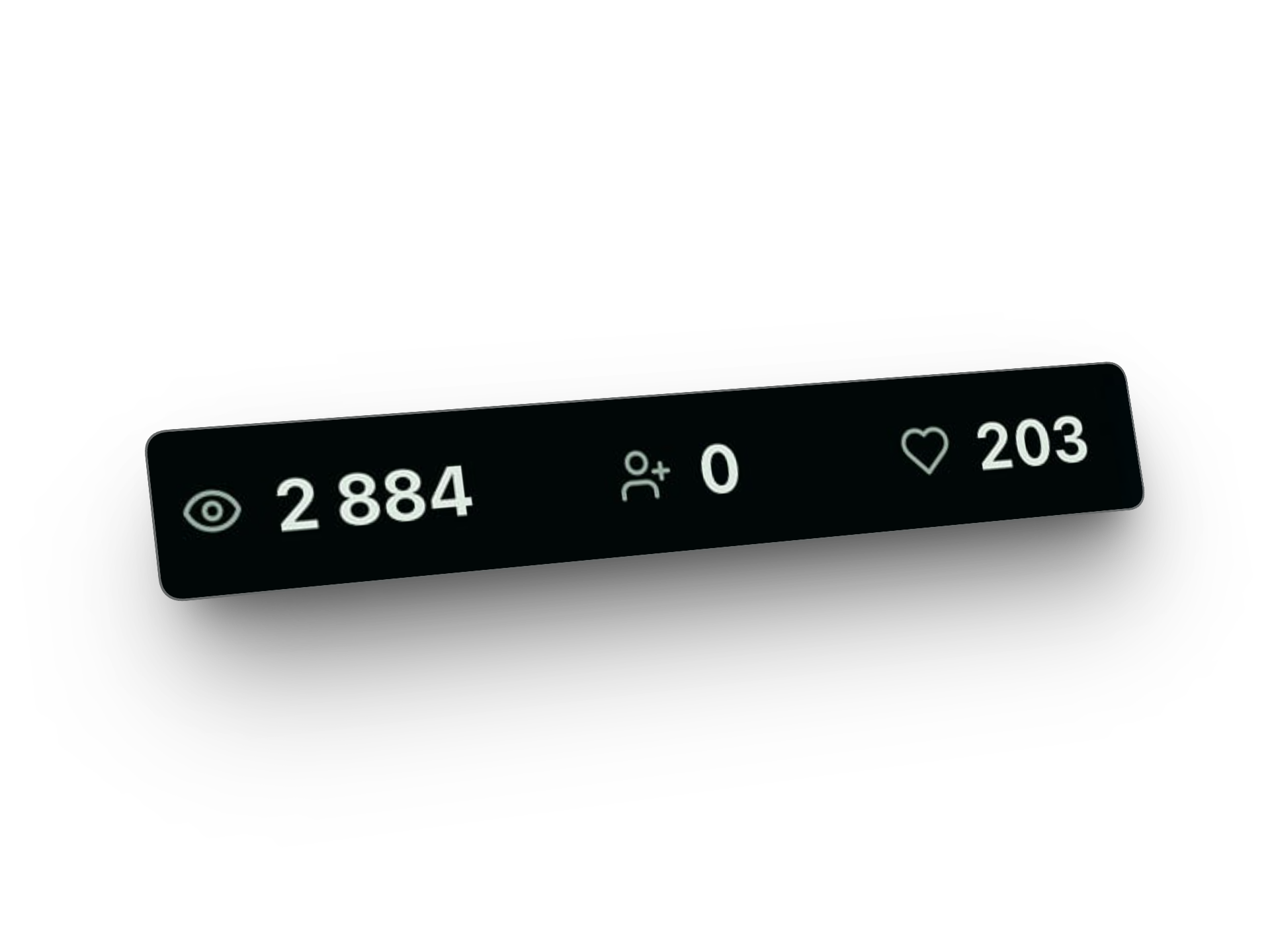
Your chat is the priority, but a few numbers help you understand what is happening right now. TikChat keeps your current LIVE viewers, new followers, and taps visible at the top, so you can check the room without leaving the conversation.
Adjust the chat size to suit your screen and setup. Whether TikChat is on your main display or a second device, you decide how much space the conversation gets.
TikChat runs in a browser on your computer, tablet, or phone. Keep it beside TikTok LIVE Studio or OBS on your main screen, move it to a second monitor, or open it on a separate device next to you.
You choose the TikTok creator for your TikChat profile once during setup. After that, whenever the creator goes LIVE, simply click Start to open the chat and begin capturing the conversation. Entered the wrong username during setup? Contact us at support@tikchat.eu.
The names you assign and the viewers you highlight stay available across future LIVE streams, so returning people do not become strangers again.
TikChat captures chat from the moment you connect it. It cannot recover earlier comments or conversations from LIVE streams that were not captured.
| Creator moment | Native TikTok LIVE chat | TikChat |
|---|---|---|
| 01When a comment appears | You have to remember who is behind it | Add the person's name and recognize them when they return |
| 02When one viewer matters | Their message can blend into the rest | Mark the viewer so they stay highlighted |
| 03When you search an earlier message | You scroll and hope you find it | Search by username or comment text |
| 04When you want the key LIVE numbers | Your attention is split across the interface | Current viewers, new followers, and taps stay visible above the conversation |
TikChat is a browser-based TikTok LIVE chat tool for the creator, not a public chat overlay for the audience. Keep running your stream through your usual setup and use TikChat as your private view of the conversation.
Put it where it works for you: beside TikTok LIVE Studio or OBS, on another screen, or on another device like phone or tablet. Open it, see the chat, run your LIVE.
A TikTok LIVE chat viewer is a tool that gives creators a separate place to follow comments during a broadcast. TikChat adds a clearer, adjustable chat view, viewer names and highlights, search, useful LIVE numbers, and context that can carry across broadcasts.
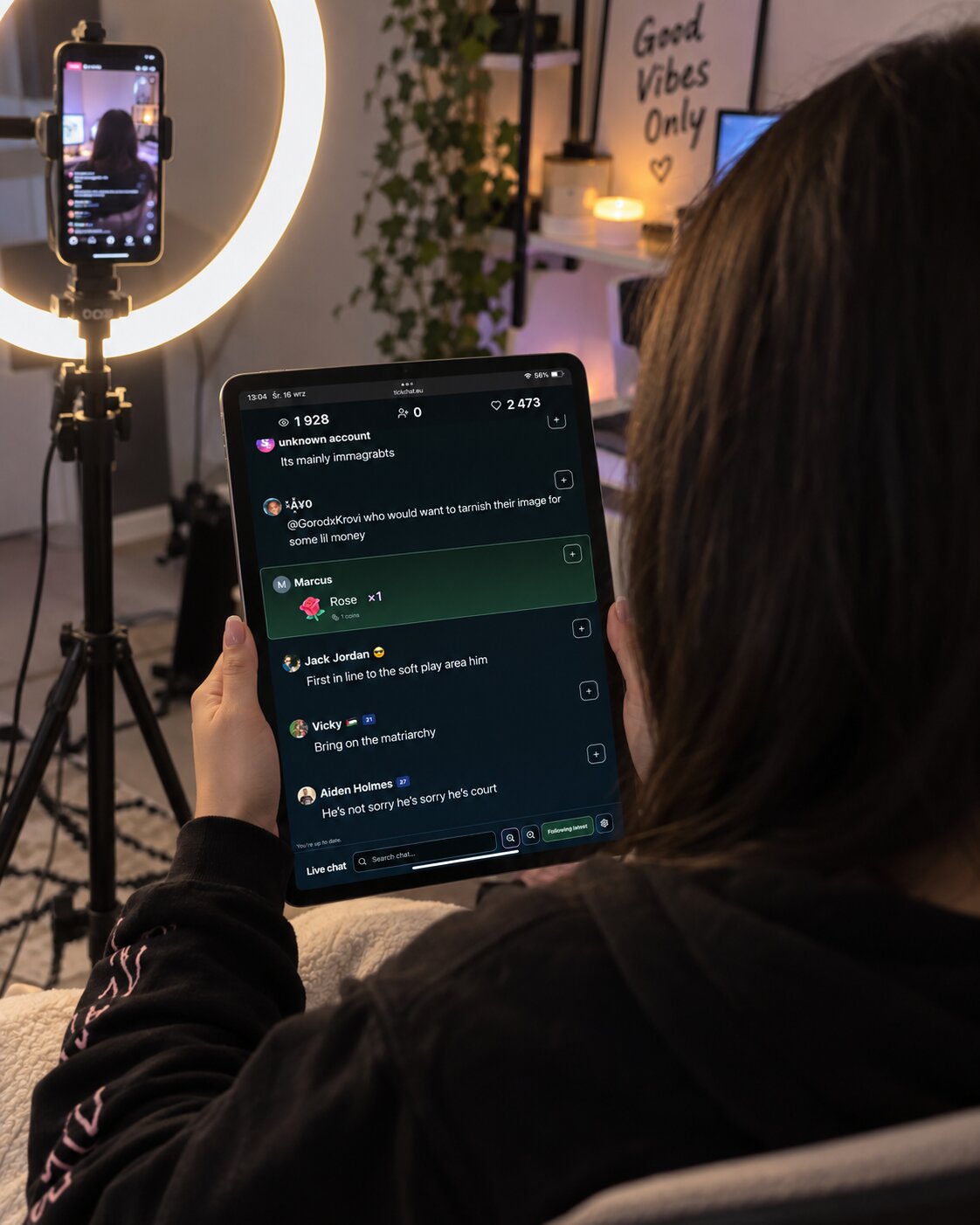
A practical second-screen setup for keeping comments readable while your attention is split.
By Matt Olech · 2026-09-16 · 7 min read
Turn fast-moving usernames into useful human context without interrupting your broadcast.
By Matt Olech · 2026-09-16 · 5 min read
A chat viewer and chat overlay can both involve TikTok LIVE comments, but they solve different problems. One helps the creator follow the conversation; the other makes chat part of the public stream.
By Matt Olech · 2026-09-16 · 7 min read